
First Login
Signing in
- Open your club's Memvera staff console (your administrator will share the link).
- Enter your email and password.
- The first time you sign in, you may be asked to set a new password.
You only see the menus your role allows — a receptionist sees the front desk and POS; a manager sees configuration and reports as well.
Switching language
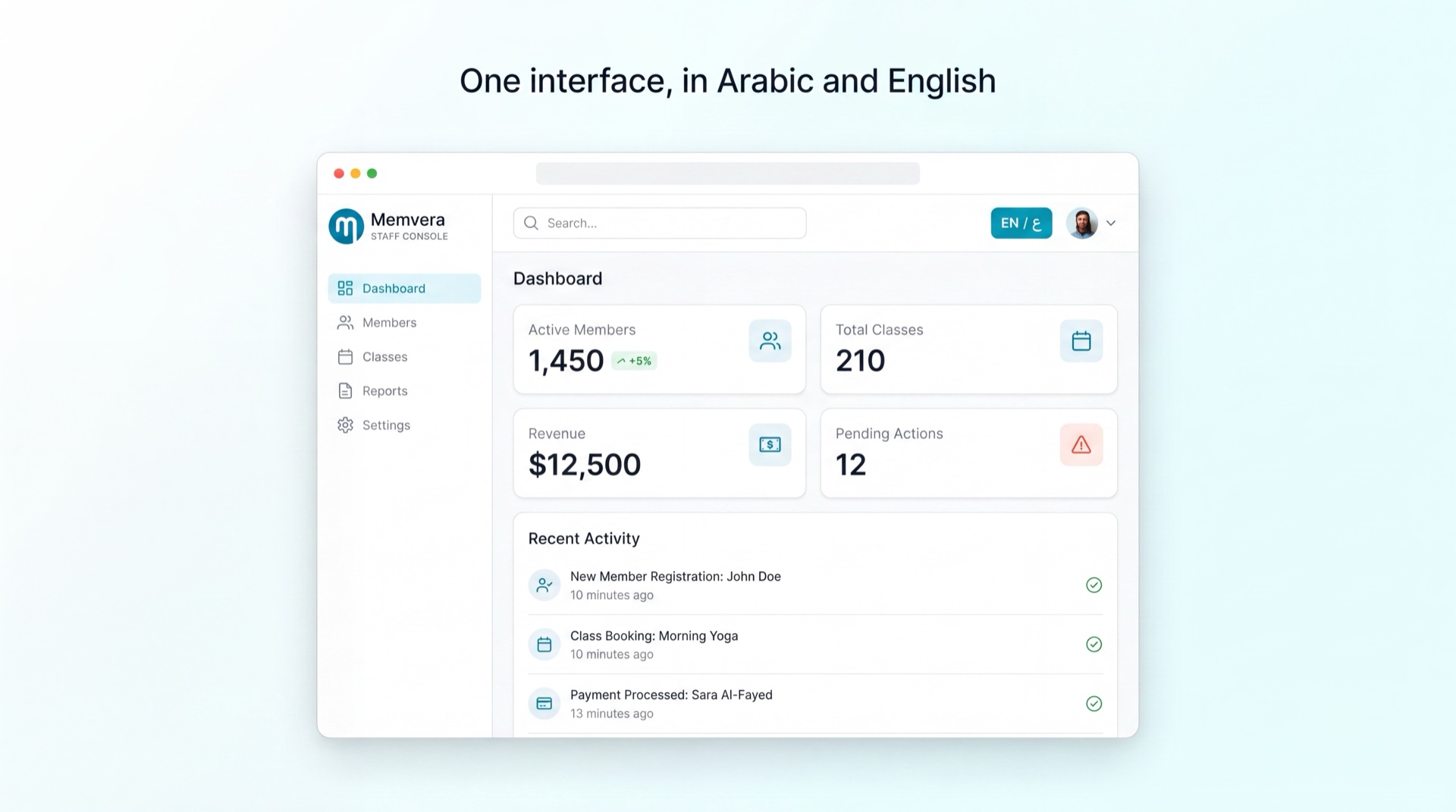
Memvera is fully bilingual. Use the language switch in the top bar to move between العربية and English at any time. The layout flips automatically for right-to-left Arabic.
Finding your way around
- Sidebar — every area you have access to. Collapse it with the rail toggle for more space.
- Search — jump to a member, lead, or page quickly.
- Brand switch (operators only) — move between gyms you manage.
- Profile menu — your details, password, and sign-out.
A typical first day
| If you are… | Start with |
|---|---|
| Reception | Reception & POS — check-ins and walk-in sales |
| Sales | Lead Management — work your pipeline |
| Manager | Membership Management and Reporting |
| Trainer | Employee App — your schedule and sessions |
TIP
Lost? Every module page in this guide opens with "What it does" and ends with the main tasks — skim those two sections first.