
Reporting & Analytics
Finance & POS
What it does
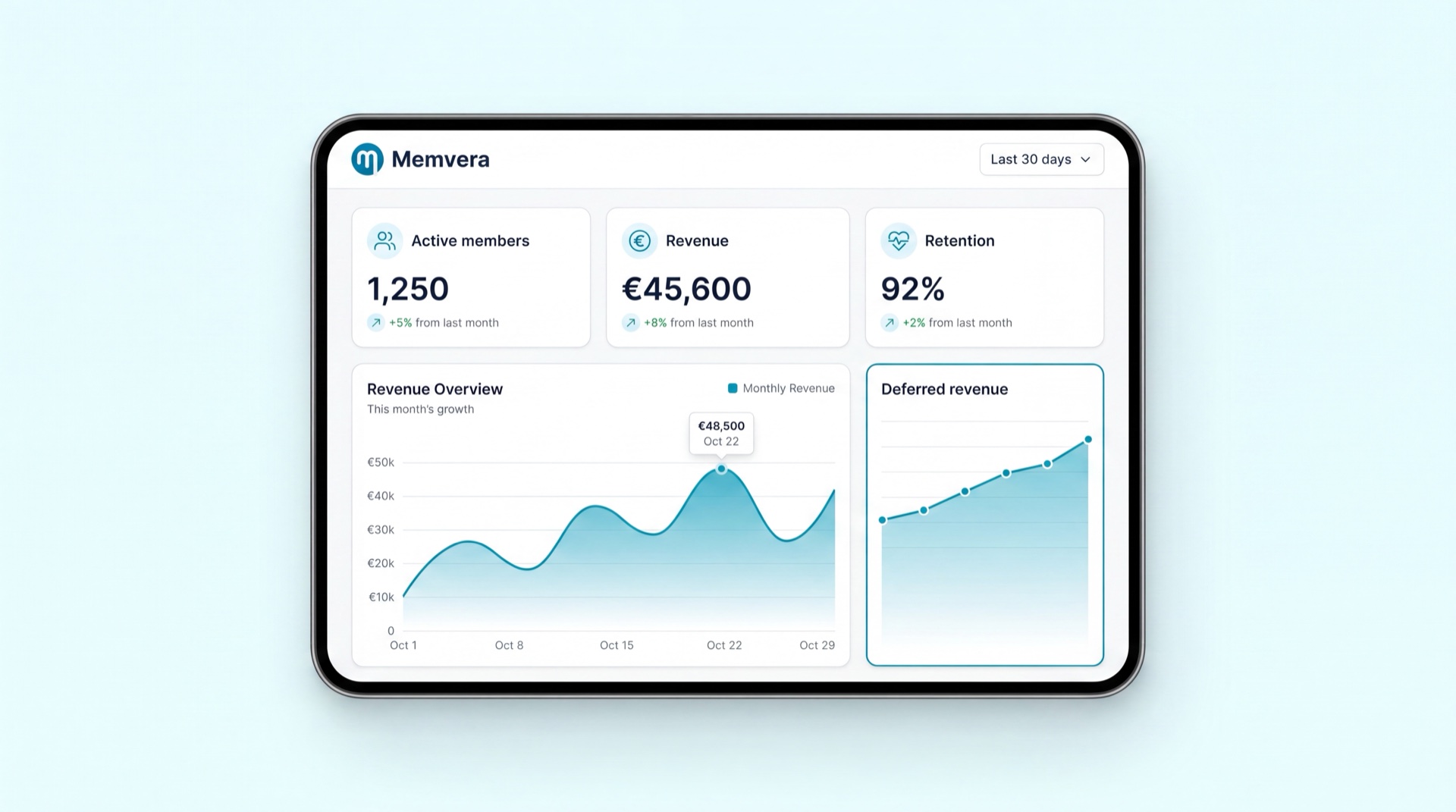
Reporting & Analytics turns everything happening across Memvera into numbers you can act on. It gives finance the Daily Sales Report and tax ledger, control reports for refunds, discounts, and the member wallet, and operations dashboards for occupancy, the sales funnel, and PT delivery. A self-service builder lets authorised staff create their own reports without IT, and any report can be scheduled to email itself to the right people on a daily, weekly, or monthly cadence.
Key concepts
- Self-service builder — drag-and-drop report creation across members, bookings, and payments, with filters and groupings, exportable to Excel, CSV, or PDF — no SQL needed.
- Daily Sales Report (DSR) — the end-of-day financial summary broken down by club, brand, product, payment method, VAT, discount, and cashier; locked and immutable once the day closes.
- Deferred vs immediate revenue — Memvera separates revenue recognised now (joining fees, retail) from revenue earned over time (upfront 3/6/12-month plans), and forecasts the recognition schedule.
- Control reports — finance oversight on refunds and credit notes, discounts and promotions, and wallet liability, each with approver, reason code, and financial impact.
- Operations dashboards — live occupancy, lead-to-sale conversion funnel, and the PT dashboard (sessions sold vs conducted vs no-shows).
- Report broadcasting — scheduling any report or dashboard for automatic email delivery to stakeholders.
Main tasks
Read the Daily Sales Report
- Go to Reports → Daily Sales (DSR).
- Pick the date (or range) and filter by club, brand, product, or payment method.
- Review the breakdown — gross, discount, net, VAT, and totals per cashier — and export to Excel/CSV/PDF.
- The day's tax ledger is locked at end-of-day, so the figures stay audit-ready.
Build and schedule a custom report
- Open the Report builder and drag in the fields you need (e.g. member + booking + payment).
- Add filters and groupings, then preview the result.
- Save it, then set a schedule — daily, weekly, or monthly — and the recipients who should receive it by email as PDF/CSV.
Review a finance control report
- Go to Reports and pick Refunds & credit notes, Discounts & promotions, or Wallet liability.
- Filter by club, brand, cashier, or date range to see who approved what and the financial impact.
- Use the drill-down on any row to open the underlying transactions and reason codes for follow-up.
Tips
TIP
Use the operations dashboards proactively — the funnel flags "zero-visit members" (people who joined but never checked in) so staff can reach out before they lapse.
INFO
Finance control reports surface fraud-risk patterns automatically — high void ratios, repeated discounts on the same plan, or persistent cash variances per cashier — so managers can investigate early.
Related modules
Finance & Payments · Reception & POS · Retail Sales · Membership Management